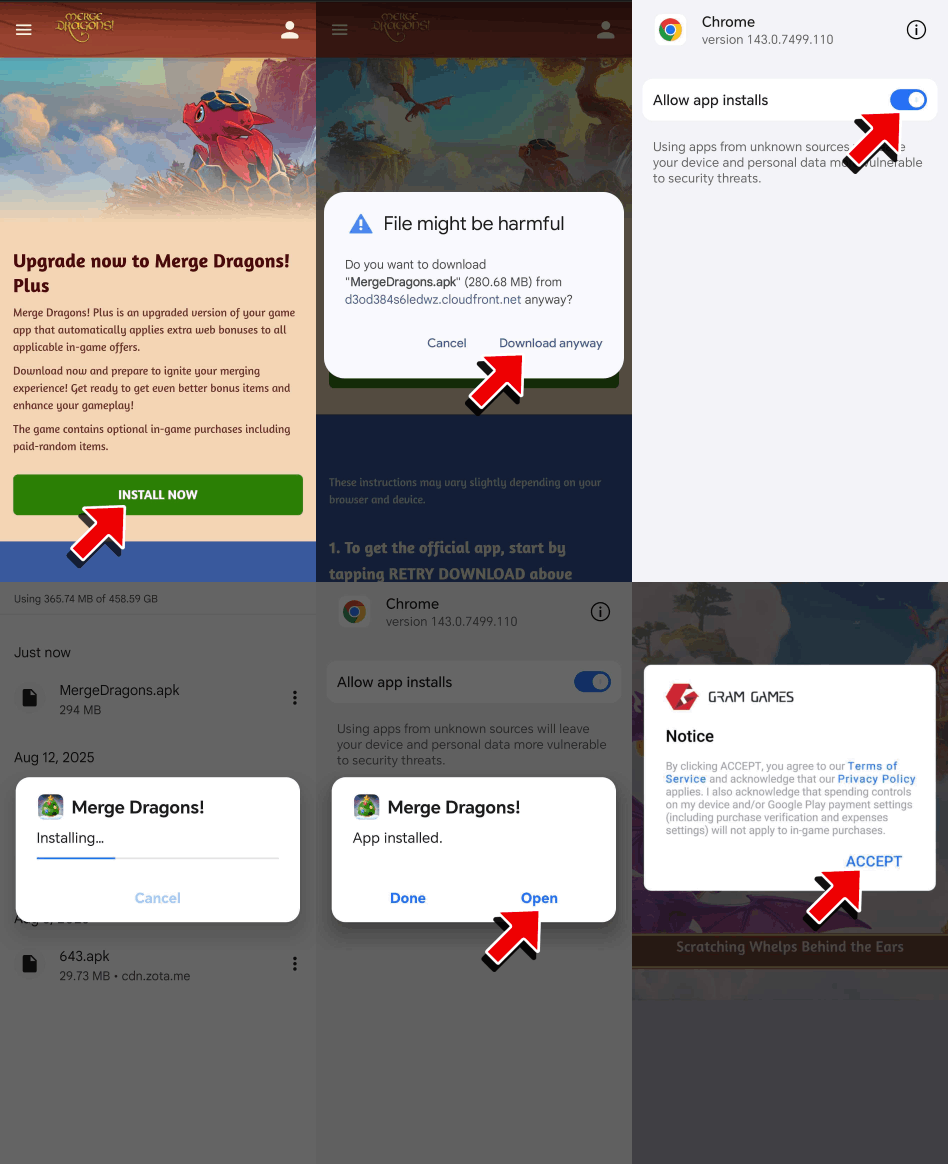
- Visit https://www.mergedragons.com/plus on your Android device’s browser.
- Click Install Now and follow the instructions on your Android device. If you do not see the “Install Now” button, please note that Merge Dragons! Plus is currently in a limited early access phase and is being rolled out regionally in stages.

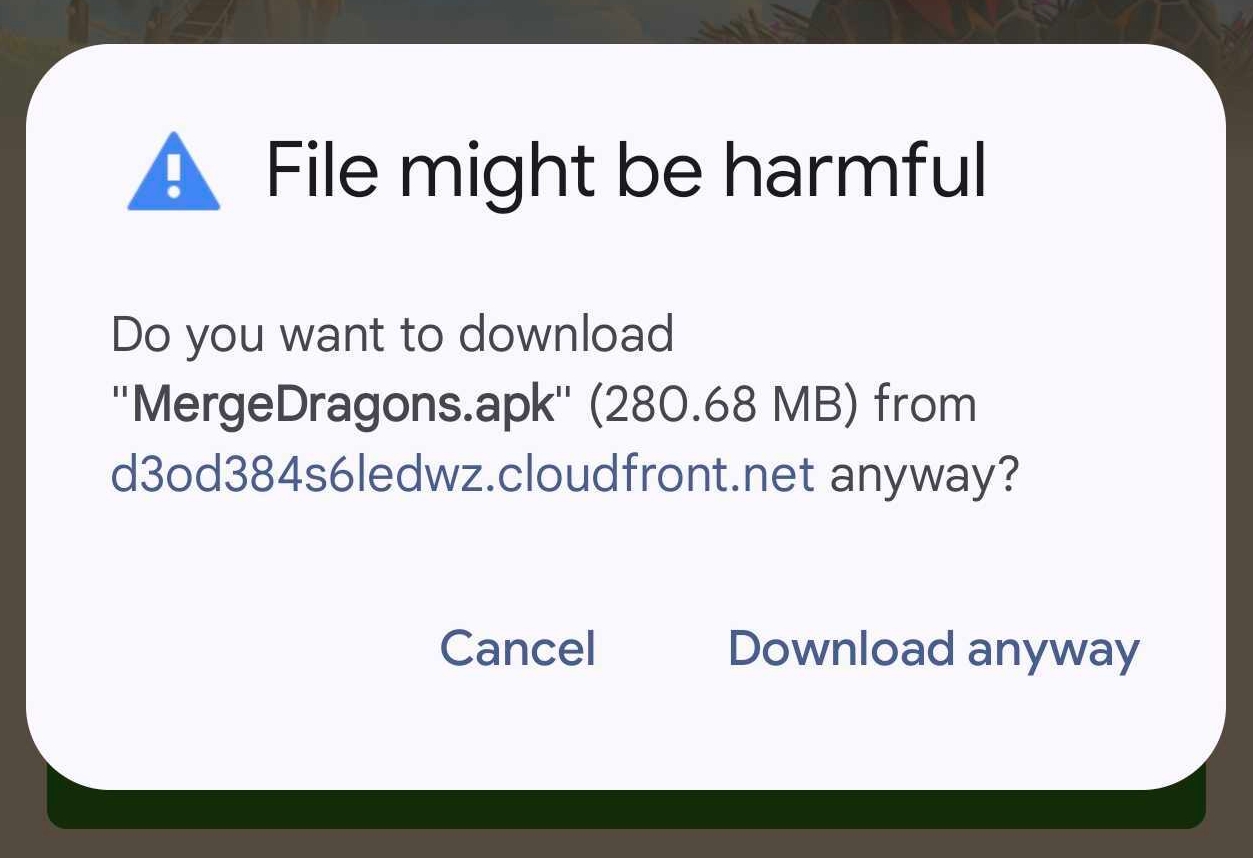
- Before Merge Dragons! Plus can be installed on your device, you’ll need to approve the app installation. A “File might be harmful” notification will appear. This warning is an expected security feature of Android devices.
- Tap Download anyway.
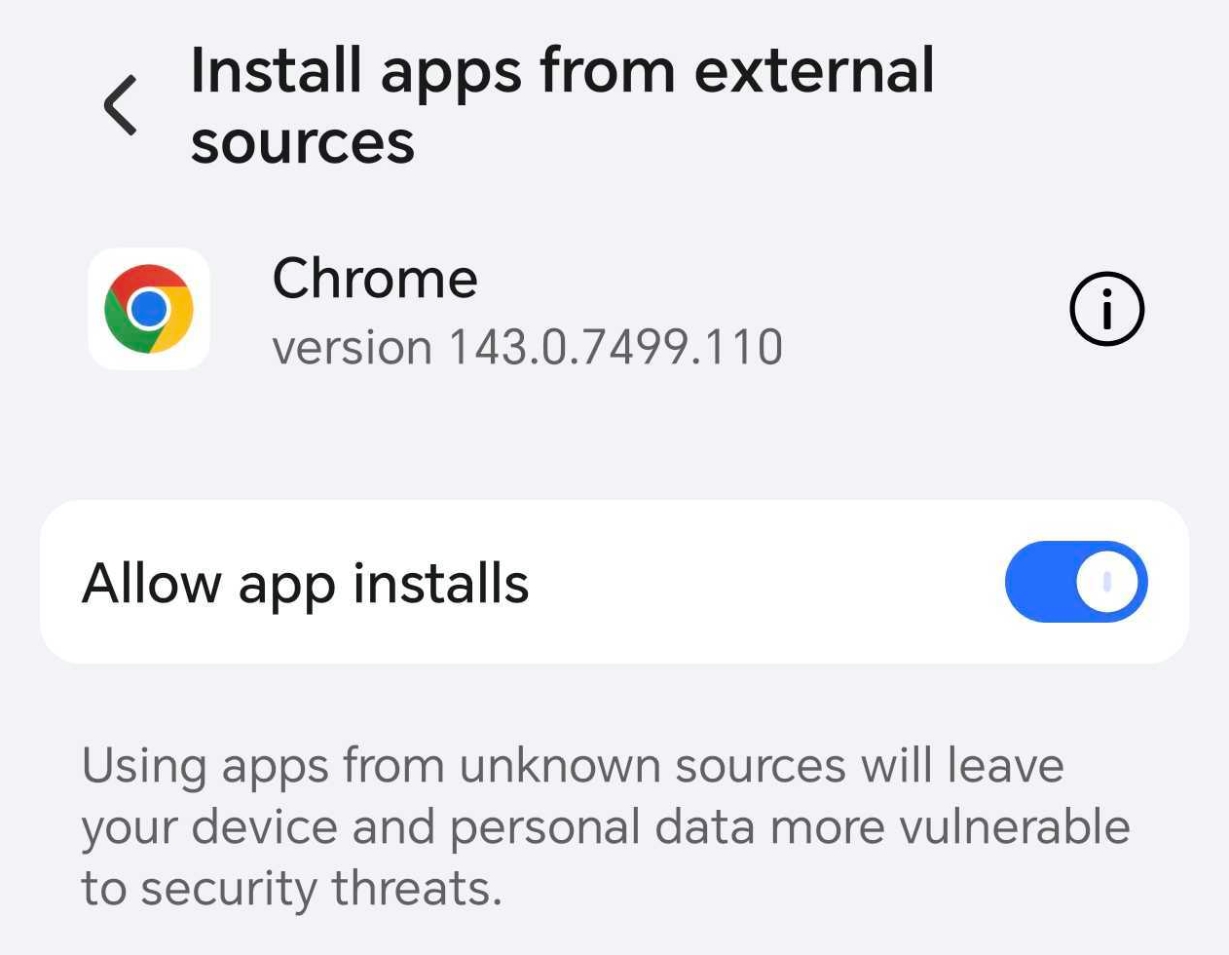
- After the file has been downloaded, tap Open and then select Settings.
- Allow Installation of apps from external sources by toggling the slider to “Allow app installs” for Google Chrome.
- When Merge Dragons! Plus is finished downloading, and your permissions are set, it will need to be updated before you can launch the game.
- Go to the home screen or downloads folder on your device and launch the app. On certain devices the app will launch immediately. On other devices you might need to pull up the app to launch it. This will prompt you to update the app. Tap Update to start the first update process.
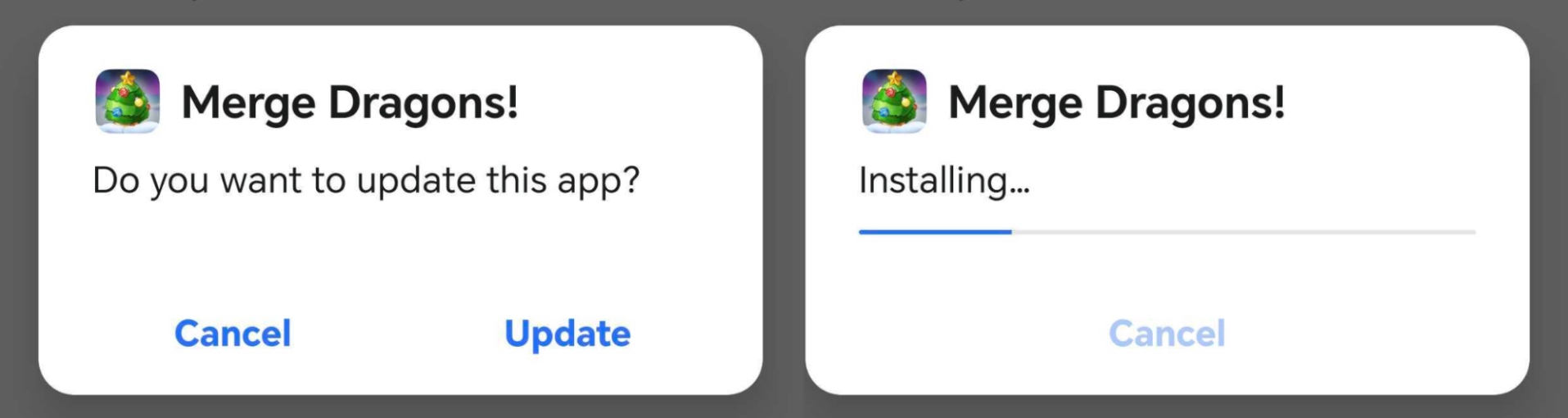
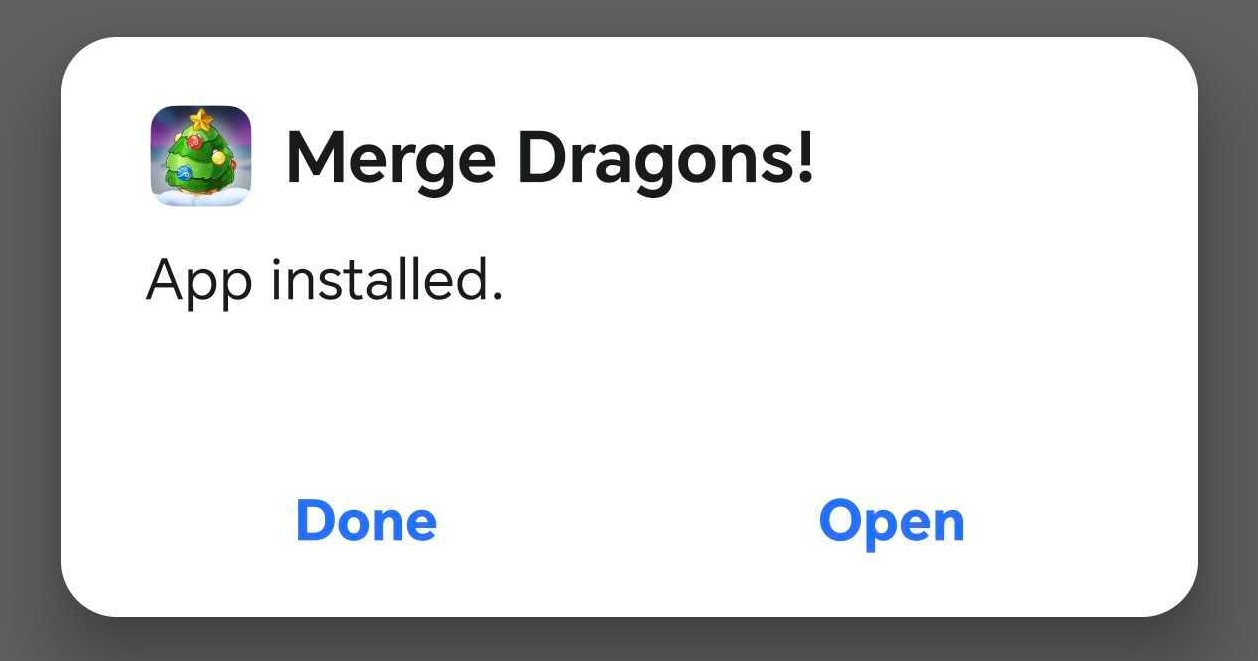
- When Merge Dragons! Plus is finished updating, tap Open to launch the game.
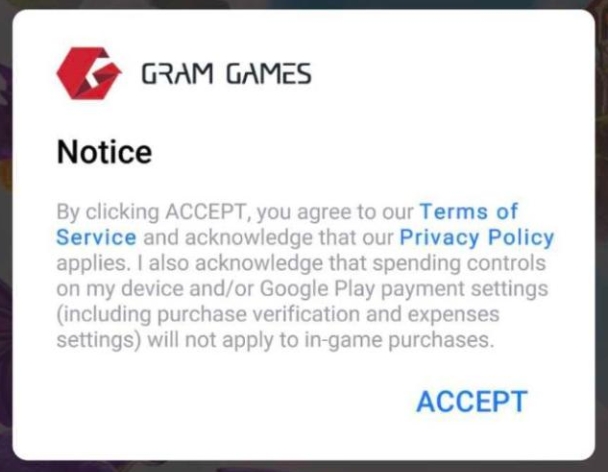
- After opening Merge Dragons! Plus, you will be prompted to accept the Terms of Service by tapping Accept.
- After accepting the Terms of Service, you can pick up where you left off in the game.
The whole process can be viewed here: